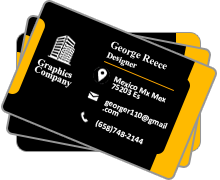


Steps to design business card
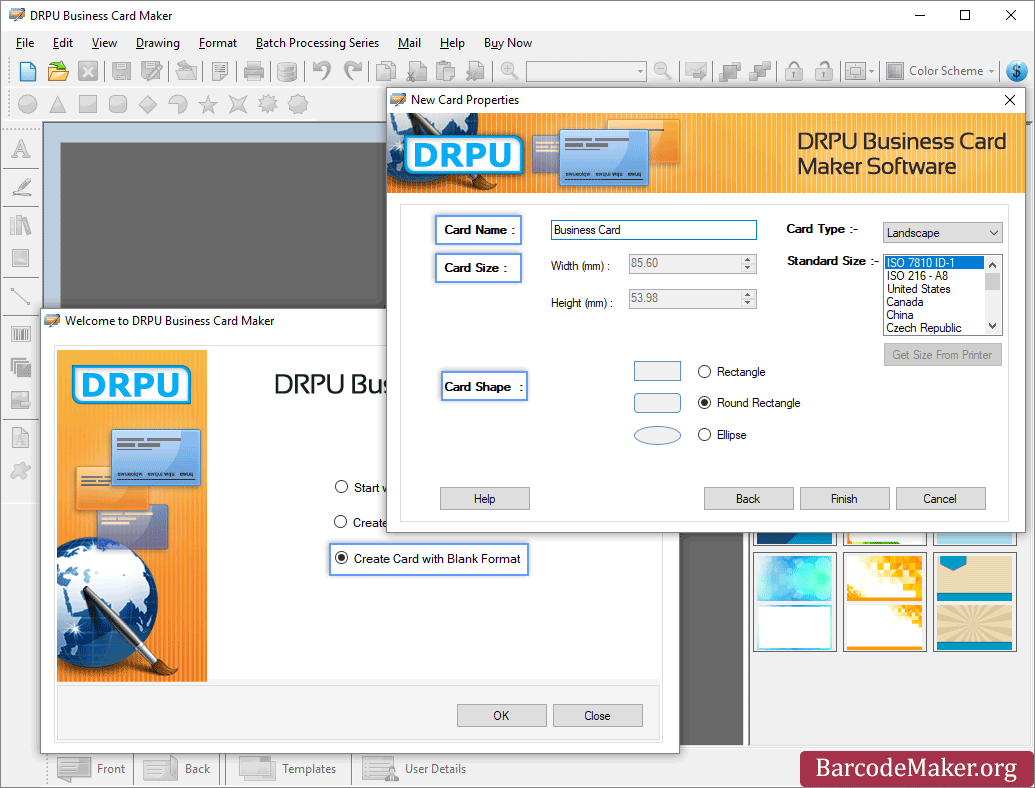
- Specify the shape of business card.
- Specify the color and background settings of business card.
- Select the object from the toolbar to add Line, Ellipse, Pencil, Rectangle, Text, Barcode, Picture and Arc in the business card.
- Print the desired business card as required.
ADVANTAGES OF BUSINESS CARDS:
- AFFORDABLE: Business Cards are available at very cheaper rates. Everyone is allowed to design these cards according to their needs and requirements.
- SMALL AND CONVENIENT: Business Cards are easy to carry. Person can easily put it into a pocket. A card helps to find the office details so quickly.
- DO NOT EXPIRE: Business cards are not like other cards meaning to say these cards do not have any expiry date they are lifelong type.
- VERSATILE: Business Card is versatile in nature and is capable to fulfil the requirements of all the cards related to any company.
Create Business card that is suitable for your growing business needs. Card maker software with advanced image designing tools creates professional business card which covers all the details with photo added functionality. The use of DRPU business card maker software saves your valuable resources when consumed while getting the job done by external source. The interface of the visiting card creation program has been designed in such a way that even a beginning user will not have problem while using it.
Software Features
-
Design and create business card using image designing tools including Line, Ellipse, Pencil, Rectangle, Text, Barcode, Picture, Arc, Triangle and Star objects.
-
Option to start new business card format or edit existing business card format.
-
Option to create business card using wizard or with blank format.
-
Design and create business card in Rectangle, Rounded Rectangle or Ellipse shape.
-
Provides advance color and background settings of business card including Solid Color, Gradient, Image and Style settings.
-
Option to print created business card using advance print settings.
USE OF BUSINESS CARDS
-
GIVE PERSONAL DETAILS: Business Card Designing Software design cards to deliver the informative details of a company with ease. These details are very important to know for your customers like email, address.
-
FIRST IMPRESSION: Software is capable to design an attractive business card to grab the attention of youth that’s how cards help to build a favorable impression of your business including brand, phone number and many more things.
-
TRUST BUILDER: Business cards are capable to build the trust between company and client to some extent. Physical cards are having more potential than digital ones the reason for this is that it is not compulsory that each of your clients is having smartphone with them.
-
WAY OF EASY INTERACTION: The exchanging process of cards helps to start communication between two or more people and companies. Cards give some required and beneficial information to one user so that he/she can easily contact the other.